
ifconfig Mobile
Network Interface Viewer for iPhone
Brings the power of the classic Unix command-line tool to your iPhone. Instantly view detailed information about all network interfaces on your device with a beautifully designed, modern interface.
Screenshots
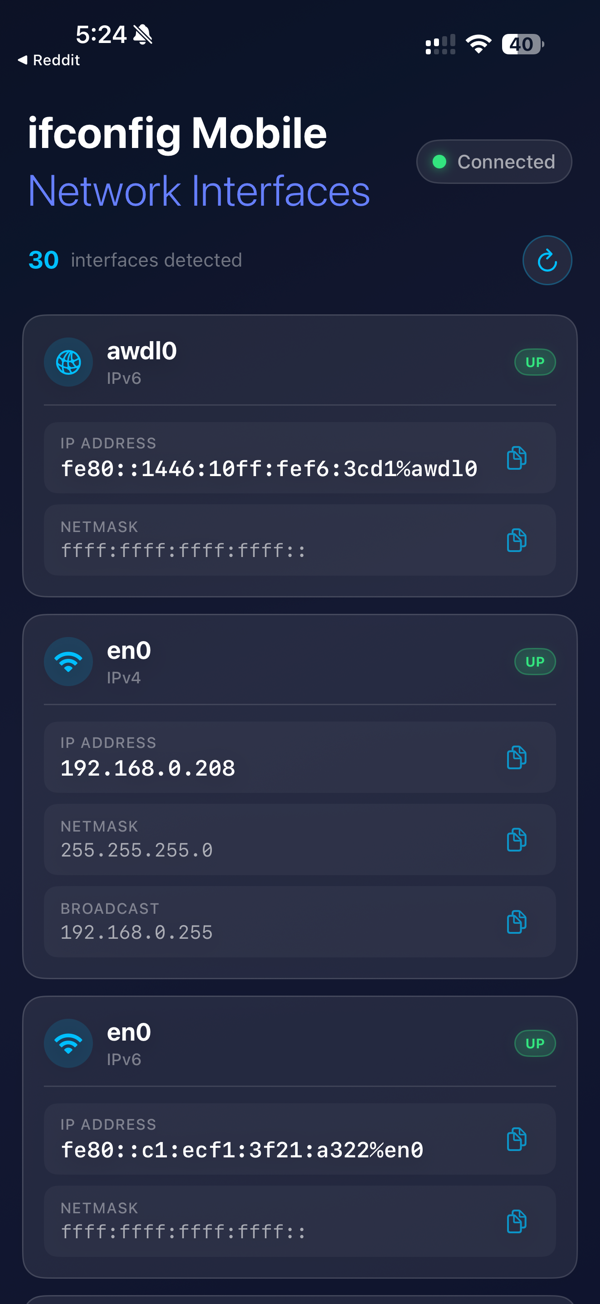
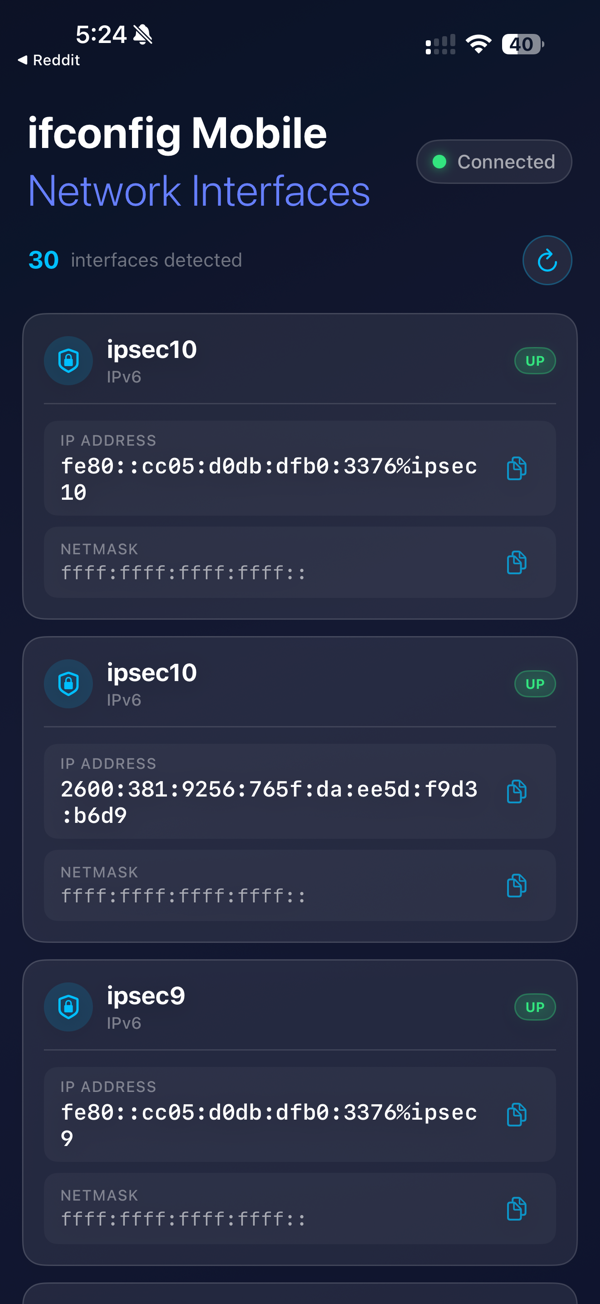
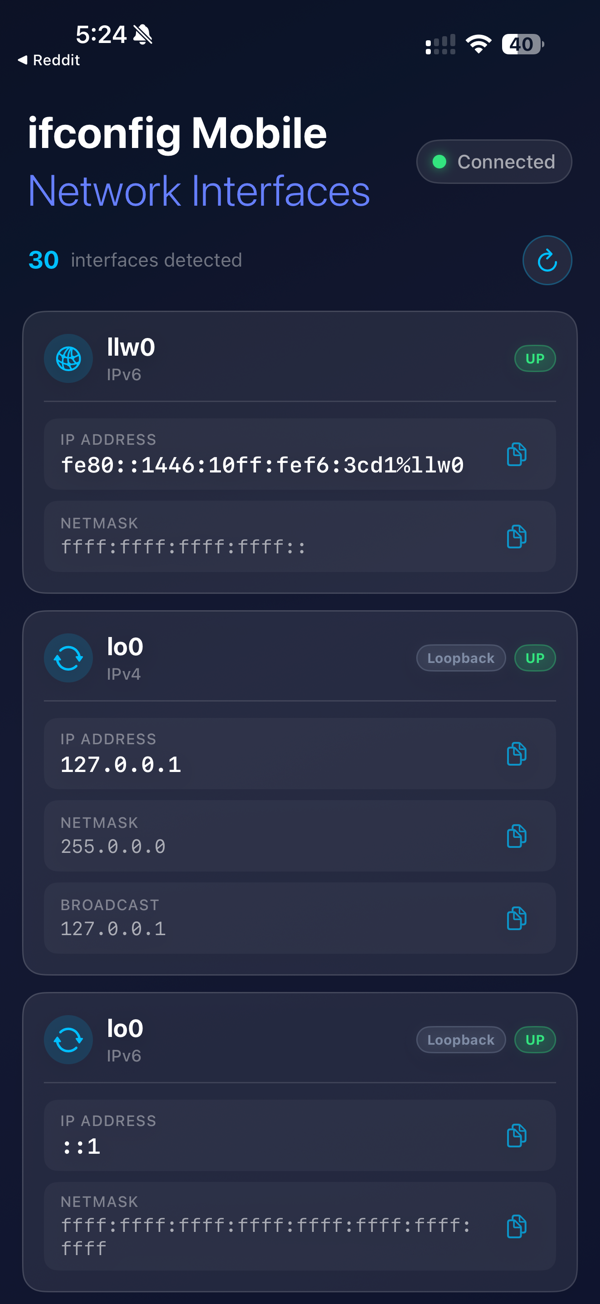
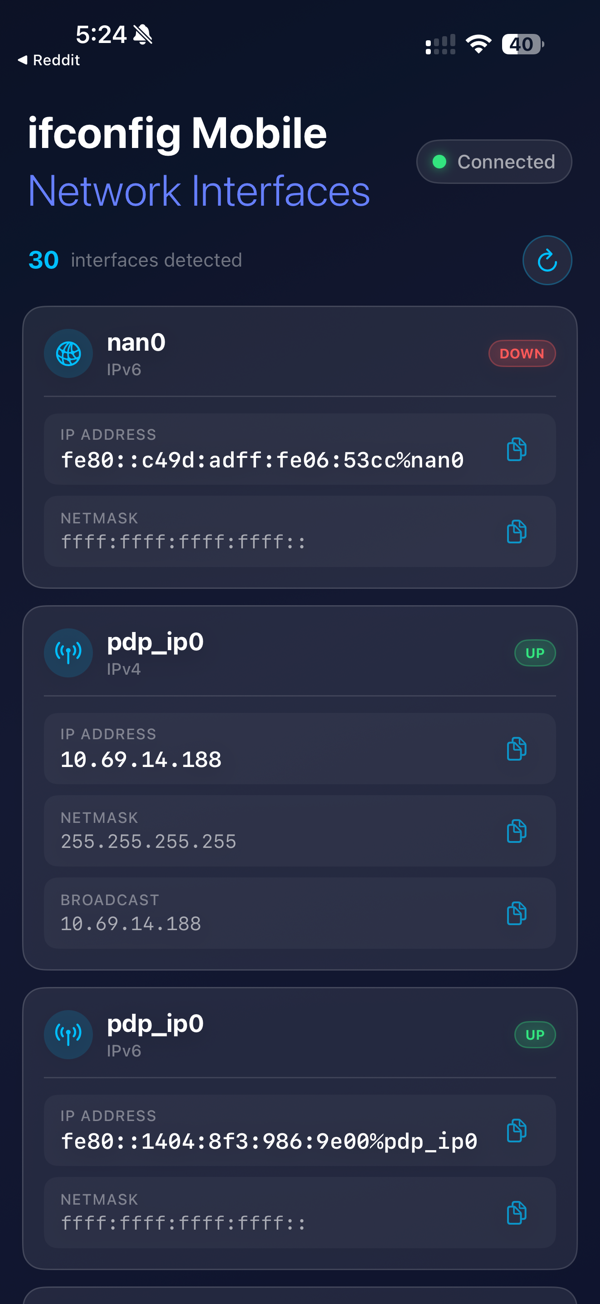
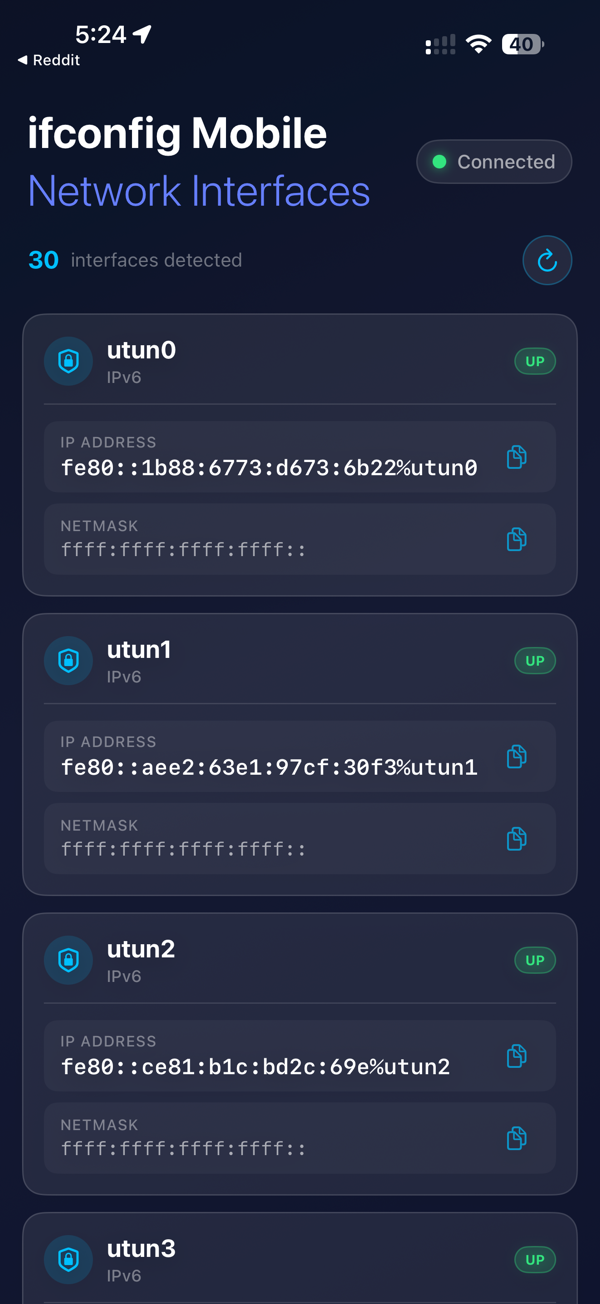
Detected Interfaces
en0 (WiFi)
pdp_ip (Cellular)
utun (VPN)
lo0 (Loopback)
ipsec (VPN)
rmnet (Cellular)
Key Features
- Complete Network Visibility: View all interfaces including WiFi, cellular, VPN, and loopback
- IPv4 & IPv6 Addresses: See both address types for every interface
- Netmask & Broadcast: Check network configuration at a glance
- Real-Time Status: Monitor connection status (UP/DOWN) instantly
- Tap to Copy: Copy any value to clipboard with a single tap
- Monospaced Fonts: Easy reading of IP addresses and network data
- Haptic Feedback: Satisfying confirmation for every action
- Pull-to-Refresh: Get instant updates on network changes
Perfect For
- Developers debugging network issues
- IT Professionals managing configurations
- Network Administrators troubleshooting
- Tech Enthusiasts exploring their device
- Students learning about networking
No Terminal Required
Get the same information as the command-line ifconfig tool, presented in a clean, intuitive mobile interface.
Why Choose ifconfig Mobile?
- See ALL network interfaces - not just primary
- Same info developers love from terminal
- Beautiful, modern mobile interface
- 100% local - no data sent externally
Privacy Focused
All network detection happens locally on your device. No data is sent to external servers. Your network information stays on your iPhone.
Download ifconfig Mobile and take control of your network visibility!